ADVS98
ADVS98 v0.8.8 (beta)
Adventure System 98. I've always loved the adventure games and visual novels that came out on the NEC PC-9801. ADVS98 is my attempt at a toolkit for making new ones. You write your game in the browser editor, hit build, and get a floppy image that boots on a real PC-98 or in an emulator. Nothing is faked: the game runs on the actual machine (or a faithful emulation of it), with its 16 colours, its font ROM and its FM sound chip.
Under the hood there's a compiler that does all the heavy lifting on your computer (wrapping text, converting pictures, compiling music) and a small engine, GAME.EXE, about 120 KB of 16-bit C and assembly, that plays the result under DOS.
What kind of games?
The stuff the PC-98 was known for. Visual novels, with or without branches, with choices, flags and multiple endings. You don't have to build the system menu, backlog, skip, auto mode or save screen yourself, they're already there.
Or command adventures, like YU-NO, DESIRE or Policenauts: a picture in a frame, a list of verbs on the side (Look, Talk, Take, Move...) and a list of things to use them on. You just write down what's in each room and the menus put themselves together. There's a bag for items, objects can change state (a box can be open, a door broken), and characters can say different things depending on what you've found out.
The mouse works too, without needing a driver. You can add the usual title screen extras (continue, sound test, a gallery of the pictures you've unlocked, credits), put two languages on the same disk, and the same disk image also plays in a browser.
What's in the game engine
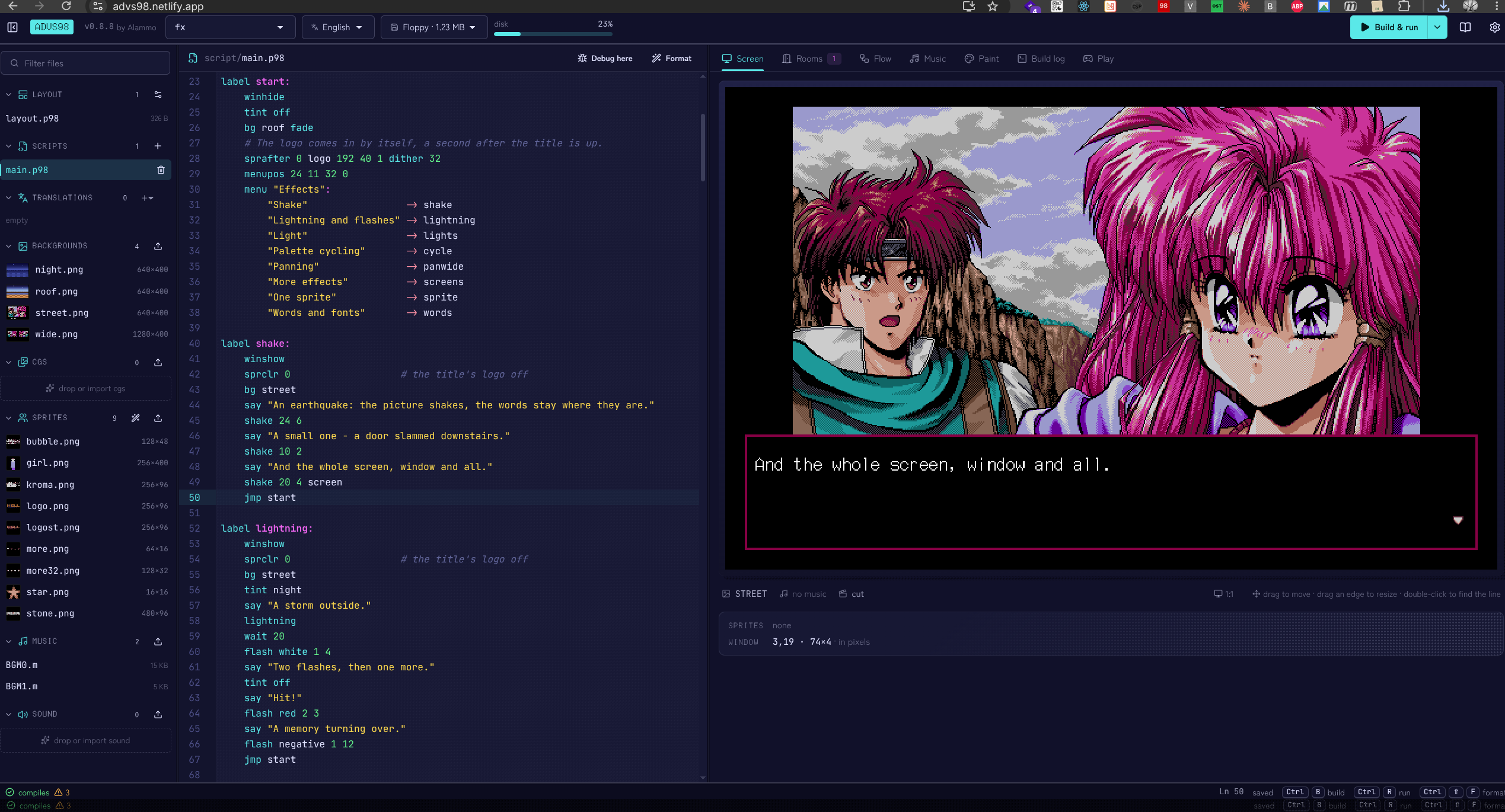
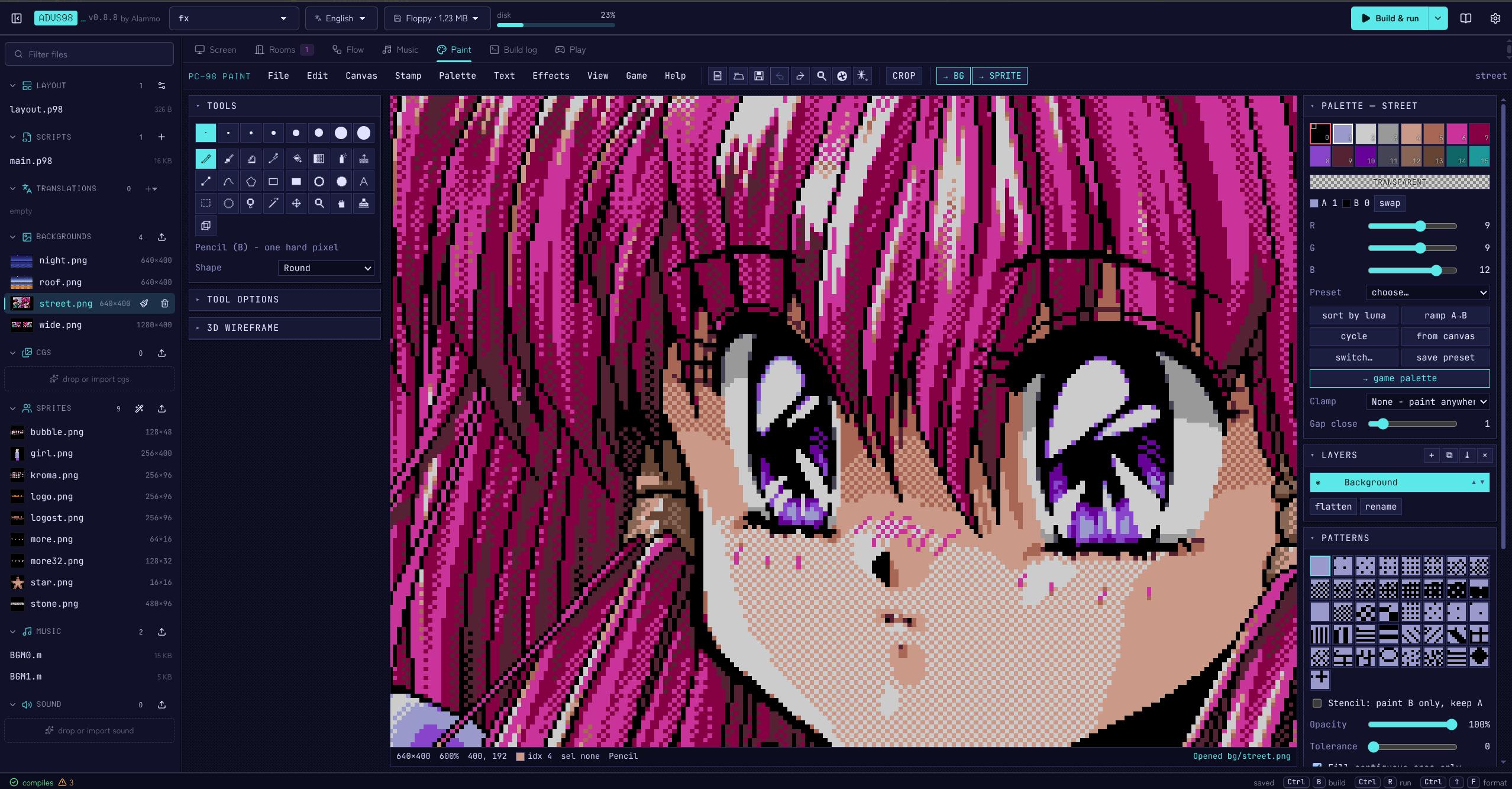
Pictures. 640×400 in 16 colours picked from 4096, which is what the hardware does. Full-screen backgrounds or smaller pictures in a frame, up to 8 sprites at a time, and a pile of transitions: fades, crossfades, curtains, blinds, wipes, dissolves, iris and circle wipes, checkerboards and more. Effects like screen shake, flashes, lightning, night or sepia tints, palette cycling, panning, snow, cherry petals and rain. If your art has more colours than that, the image tools will bring it down.
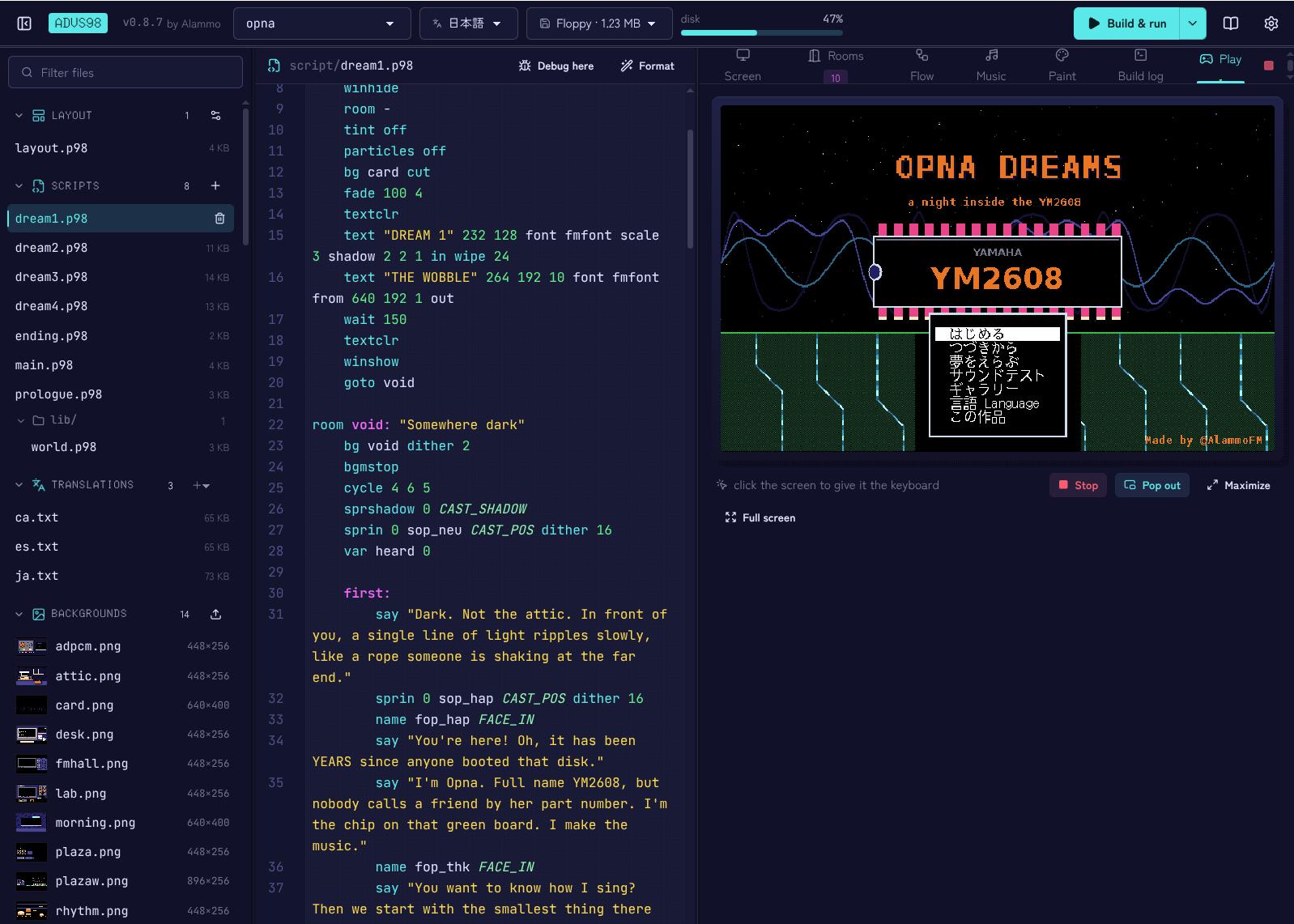
Text. It uses the PC-98's own text layer, so Japanese comes out in the real kanji ROM font. Latin text works too, with the accents Spanish, Catalan and French need. You can colour words, drop variables and little icons into a line, change the typing speed, or paint text on the picture with your own bitmap font.
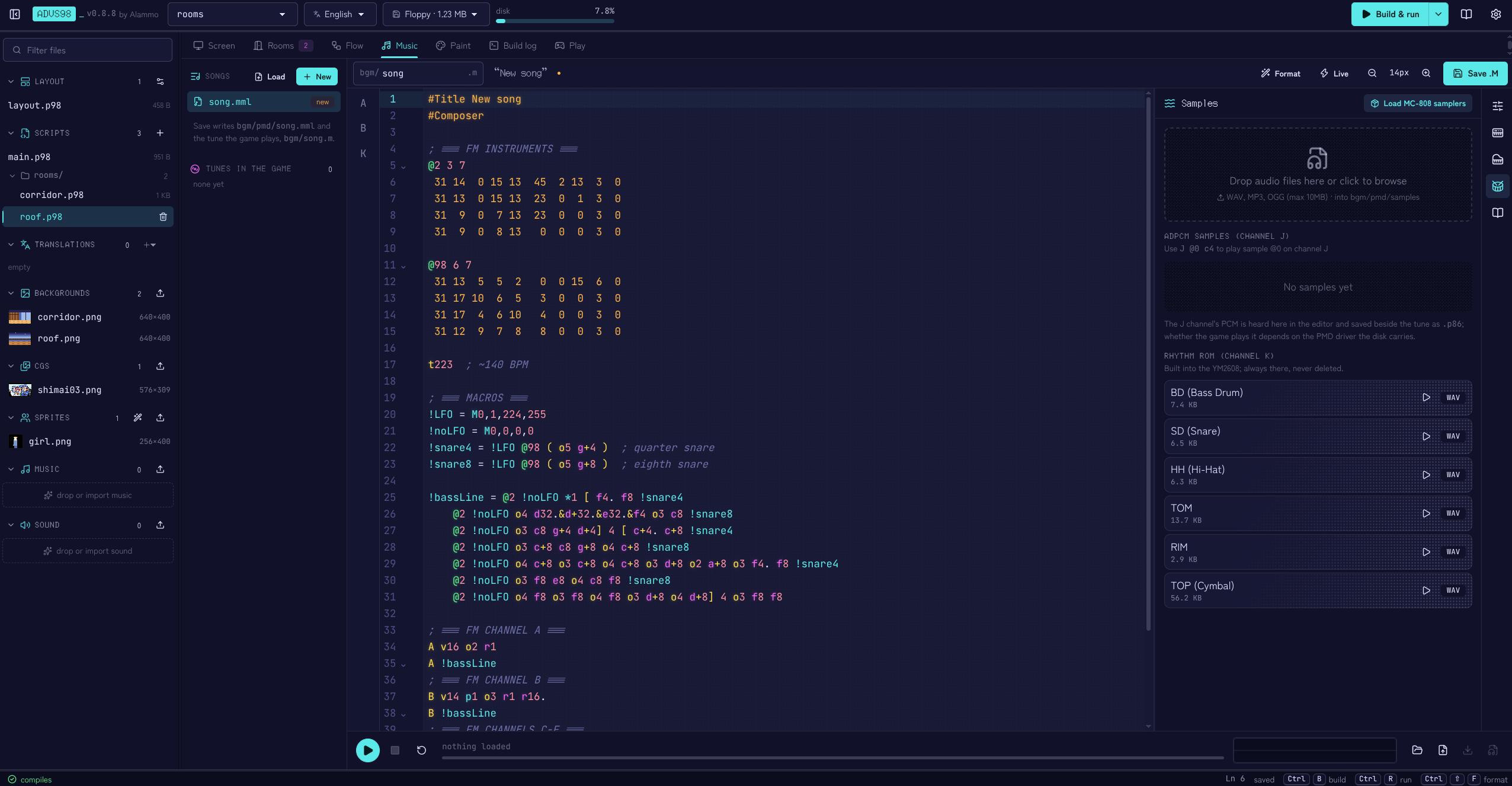
Sound. FM music on the YM2608 (OPNA): three FM voices, two SSG voices and the rhythm drums. You can write tunes in the editor's music tab, or use PMD files if you already compose with KAJA's driver. Sound effects get their own channel, so they don't cut the music.
The editor. It runs in the browser. You get the script on one side and a live preview of the PC-98 screen on the other, which matches the real thing pixel for pixel. There's also a room view, a flow chart of your story, image and music tools, and an emulator built in so you can play your game without leaving the page.
Making a game, the short version
A new project starts with a handful of files: main.p98 is where the story begins, world.p98 holds your variables and items, ending.p98 is the ending screen, and layout.p98 is how everything looks.
Drop a 640×400 PNG into backgrounds, and you can already write something like this:
label start:
    bg school fade
    name "Akari"
    say "So this is the new school."
    choice:
        "Go in"      -> inside
        "Walk away"  -> away
That's a visual novel. For an adventure, you add rooms:
room class: "Classroom"
    bg class
    object key "Key": grabbable
        look "A small brass key."
        take key "You pocket the key."
    object akari "Akari": person
        look "She is looking out of the window."
        talk:
            say "Did you find the key?"
Each thing has a kind (decoration, grabbable, person, door, container or device), and the kind decides which verbs show up in the menu. Doors take you to other rooms, and when has key: lets a scene react to what's in your bag. Music is one line (bgm theme), and the game ends with ending. Press Play and it runs in the emulator; when you're happy, build a floppy or hard disk image.
Limits
It's a 1990s Japanese computer, so there are some. Honestly most of them are part of the charm:
- You need a PC-9801 class machine (a 286) with an 86 sound board. A 26K board works but without the drums. I test on emulators (Neko Project II kai, NP21/W).
- FreeDOS(98) is included. If you want MS-DOS instead, you'll need your own PC-98 DOS disk.
- 16 colours per picture, and sprites move in steps of 8 pixels sideways. No zooming or rotating pictures while the game runs; do it like they did back then and draw the frames.
- Room for 128 variables, 32 items, 250 rooms and 8 sprites on screen. Menus fit 8 entries. Long games get split into chapters.
- Eight save slots. If you change a script after saving, those saves won't load.
- A floppy holds 1.23 MB; a hard disk image gives you 20 MB.
Start reading the documentation on how make a game
ADVS98 is MIT licensed, so you're free to sell whatever you make with it. The DOS, PMD and any fonts or art you bring keep their own licences.